
Club Directors
Run registration, payments, schedules, and updates inside one branded program app.
Setup FAQ
HuddleWay is for clubs, camps, leagues, and training businesses that want a branded app families can use for registration, payments, schedules, and updates.
Family View
They should recognize your brand, understand the offer, and know where to register or pay.
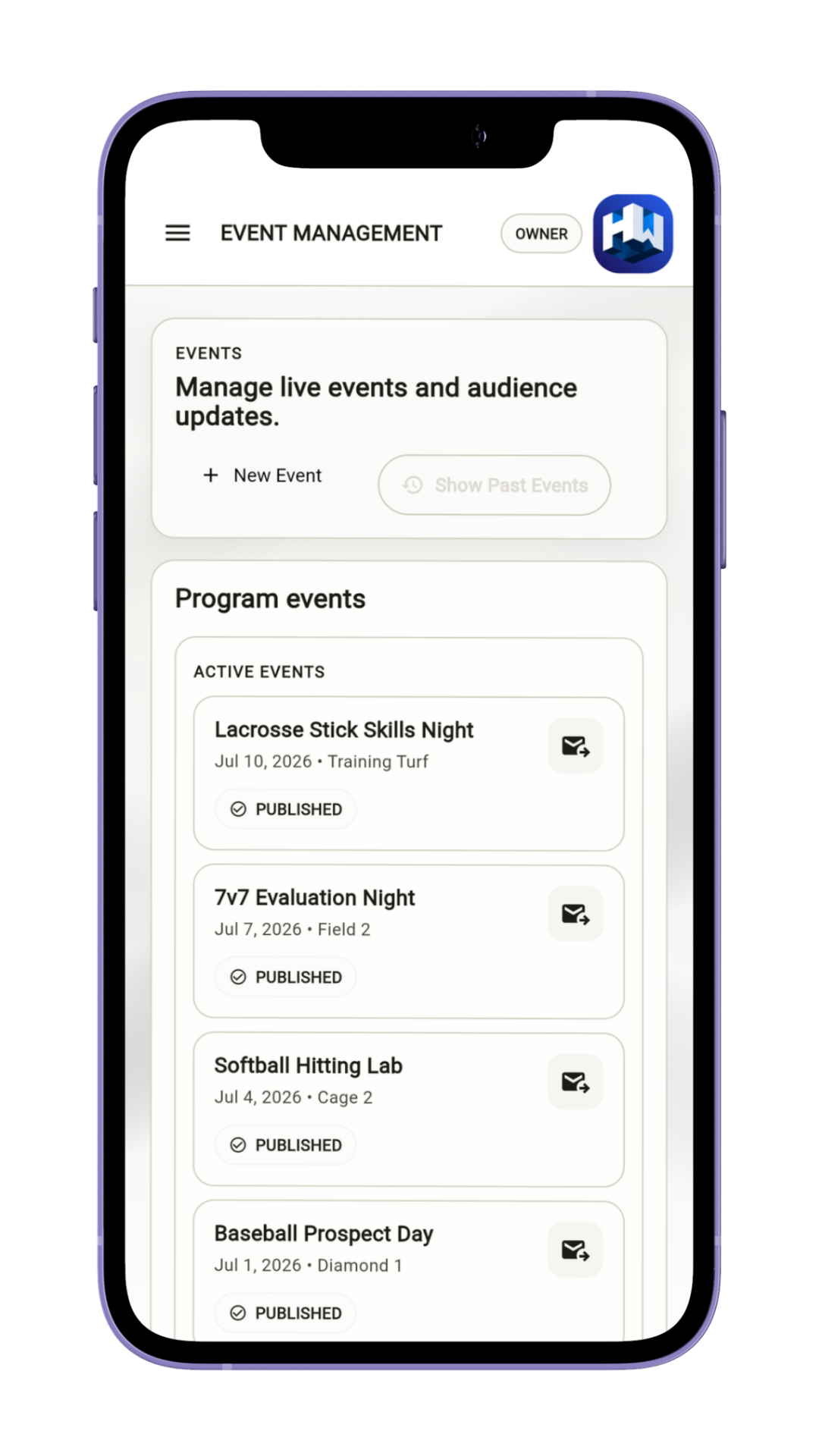
Who It's For
Youth sports programs and training businesses that want cleaner communication, connected payment workflows, and a more recognizable app.
Run registration, payments, schedules, and updates inside one branded program app.
Keep seasonal offers, dates, and parent updates in one branded place designed for families.
Create a more consistent family-facing path across teams, divisions, events, and registrations.
How It Works
Brand it, set the payment and registration flow, then review what families will see.
Add the core name, sport, and business details you want families to see.
Set the branded presentation and the information people need before they act.
Decide what families can register for, how they pay, and where they check changes.
Make sure the branded app feels clear before you invite people in.
Two Perspectives
The operator work is simple: brand the app, set the flow, and review it. The family benefit is one cleaner place to use.
Trust And Review
Your recurring HuddleWay software cost is $0/month. If you collect payments, review processing fees, payout timing, and payment options before inviting families.
The HuddleWay fee never exceeds $1 on a qualifying payment. Standard processing fees are separate.
Logo, colors, and program context stay attached to the next step.
Check the family preview before you share it so every next step is clear.
Frequently Asked Questions
Use this section to answer fit, payment, rollout, and review questions before launch.
HuddleWay is built for youth sports programs, including clubs, camps, leagues, and training businesses that want one branded app for registration, payments, schedules, and updates.
Your recurring HuddleWay software cost is $0/month. When you collect a qualifying payment through HuddleWay, the HuddleWay fee never exceeds $1. Standard payment-processing fees and your program’s payment terms are separate.
Families get one branded app where they can review the program, see schedules and updates, understand the next step, and make payments when needed.
Payments are processed through your connected Stripe account. The HuddleWay fee never exceeds $1 on a qualifying payment. Standard Stripe processing fees, refunds, disputes, payout timing, and available payment methods are separate.
No. HuddleWay does not show third-party ads in its current iOS apps.
HuddleWay supports teams, seasons, events, registrations, and roster assignments within your program. If you need a special division structure, household setup, or cross-team report, confirm that requirement during setup.
Review the branding, dates, fees, registration step, payment expectations, schedules, and update path so the experience feels clear before you share it.
The free guided setup covers program identity, branding, teams, and navigation. Stripe setup is optional for programs that collect payments. Launch also requires the applicable identity, app-release, and operational checks, so some programs may need assisted setup.