
Club Directors
Run registration, payments, schedules, and updates inside one branded program app.
Setup FAQ
HuddleWay is for clubs, camps, leagues, and training businesses that want a branded app families can use for registration, payments, schedules, and updates.
Family View
They should recognize your brand, understand the offer, and know where to register or pay.
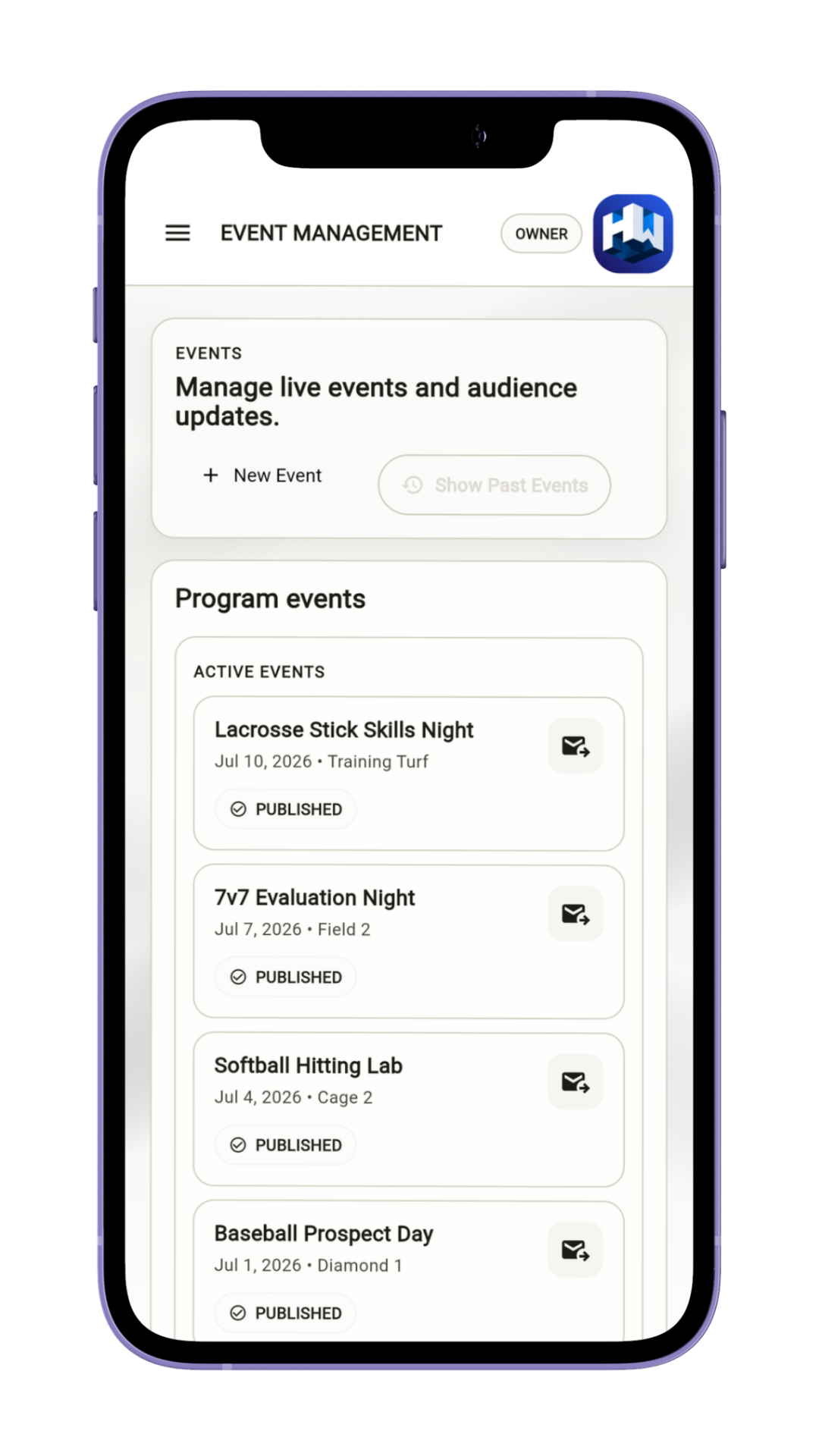
Who It's For
Youth sports programs and training businesses that want cleaner communication, connected payment workflows, and a more recognizable app.
Run registration, payments, schedules, and updates inside one branded program app.
Keep seasonal offers, dates, and parent updates in one branded place designed for families.
Create a more consistent family-facing path across teams, divisions, events, and registrations.
How It Works
Brand it, set the payment and registration flow, then review what families will see.
Add the core name, sport, and business details you want families to see.
Set the branded presentation and the information people need before they act.
Decide what families can register for, how they pay, and where they check changes.
Make sure the branded app feels clear before you invite people in.
Two Perspectives
The operator work is simple: brand the app, set the flow, and review it. The family benefit is one cleaner place to use.
Trust And Review
Admin setup is free. If the program will collect payments, confirm processor fees, payout timing, supported payment methods, and program configuration before inviting families.
Supported program payment flows use the configured Stripe connected account.
Logo, colors, and program context stay attached to the next step.
Check the family preview before you share it so the configured path is clear.
Frequently Asked Questions
Use this section to answer fit, payment, rollout, and review questions before launch.
HuddleWay is built for youth sports programs, including clubs, camps, leagues, and training businesses that want one branded app for registration, payments, schedules, and updates.
Create a free administrator account, add your logo and program details, set the registration flow, then review what families will see before you share it. Connecting Stripe is optional and only needed if the program chooses to collect payments.
Families should expect one branded app where they can review the program, see schedules and updates, understand the next step, and use the configured connected-account payment flow when needed.
Creating and administering a program is free. Supported participant-payment flows use the program’s configured Stripe connected account; platform and processor fees, payout timing, refunds, disputes, and available payment methods must be confirmed in the approved program agreement before launch.
HuddleWay supports tenant-scoped teams, seasons, events, registrations, and roster assignments. Confirm any division hierarchy, household management, or cross-team reporting requirement during setup because those are not represented as universal standalone records in the current release contract.
Review the branding, dates, fees, registration step, payment expectations, schedules, and update path so the experience feels clear before you share it.
The free guided setup covers program identity, branding, teams, and navigation. Stripe setup is optional for programs that collect payments. Launch also requires the applicable identity, app-release, and operational checks, so some programs may need assisted setup.